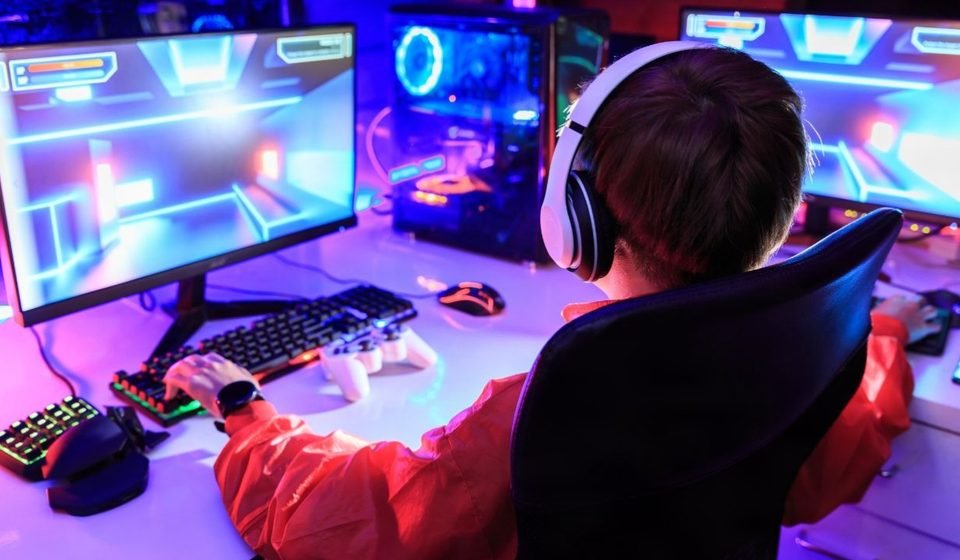

When every square centimeter has a job
The chair blocks the door. A power cable snakes across the floor. Another cable disappears behind the desk and reappears like a vine that has learned to reproduce. When gaming in a small bedroom, the space can quickly turn from a place to relax to a game of negotiation with furniture.
The good news is that a small room gaming setup does not require a large room, an expensive renovation, and a desk that dominates the whole wall to thrive. With some careful measurements, a compact workstation, a vertical storage boom, and a few smart lighting tricks, the same space can become calmer, more comfortable, and ready for a long session.
This guide explores 11 practical ways to lay out the room, choose and size the desk, organize a PC or console, manage the cables, increase comfort, and leave room for future upgrades. The exact dimensions should always be adjusted to the room, the swing of the door, the furniture, and the equipment being used.
Quick principle: measure before you buy. A few minutes with a tape measure can prevent an expensive desk from turning the room into an obstacle course.
11 small room gaming setup ideas that work
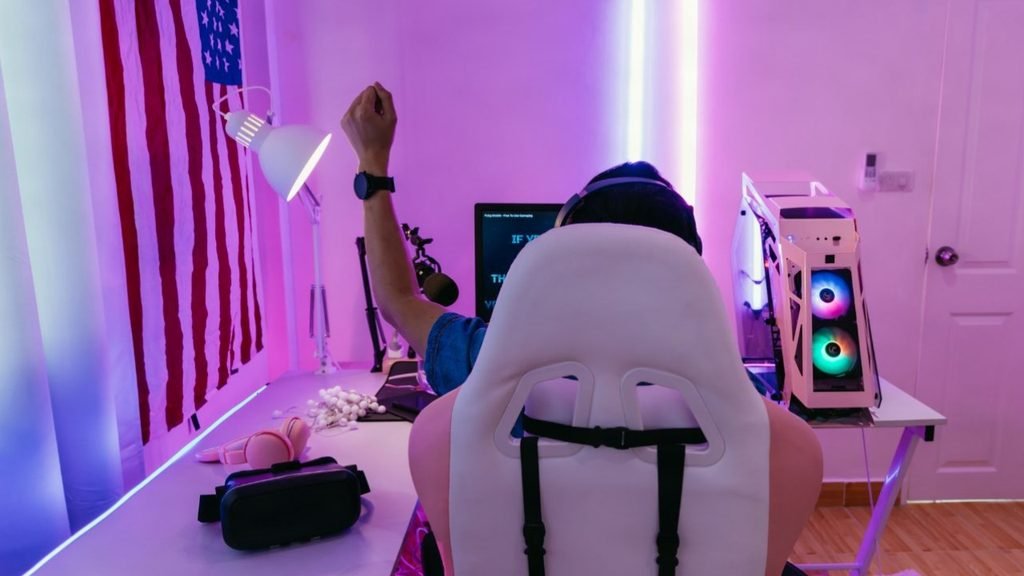
1. Measure the room before shopping. Note the width and depth of the usable wall, the swing of the door, the position of the windows, the outlet locations, and the space required to pull out a chair. Leave a comfortable walkway instead of maxing out every available centimeter.
2. Choose a compact desk with useful proportions. A desk around 100-120 cm wide and 50-60 cm deep is a practical starting point for one screen, a keyboard, and a mouse. Take those numbers as a guide, and adjust them to your equipment and room shape.
3. Use a wall or corner layout. Putting the desk against a wall often protects the center of the room, while a corner arrangement can make use of an awkward space. Keep the door path clear, and avoid putting the chair in a daily roadblock.
4. Build up instead of out. Floating shelves, a narrow bookcase, pegboard, and under-desk drawers can hold controllers, headphones, games, and accessories without a floor sacrifice. Making use of the vertical is one of the most simple room setup ideas for a small bedroom gaming room.
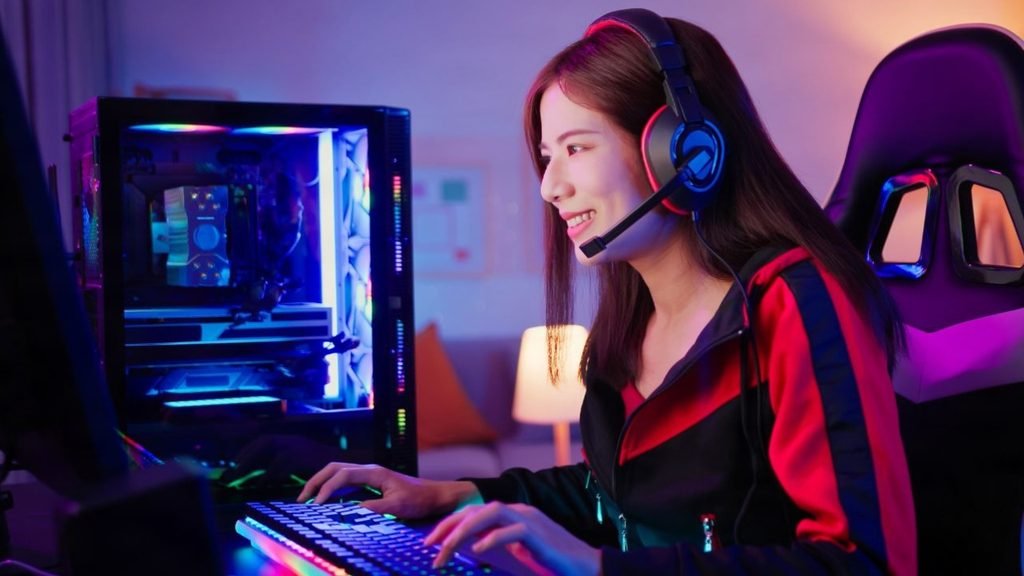
5. Mount the monitor or TV when possible. A wall-mounted screen or monitor arm can recover the desk depth and create a cleaner sightline. Check the wall, height, and cable routing before drilling, and keep the mount positioned so the screen can be used comfortably, not simply to look tidy.
6. Keep a compact PC layout focused. Put the tower beside or beneath the desk only if air can flow freely around it. Use one monitor on an arm, a small keyboard, and a simple dock for accessories instead of stacking equipment in a way that every surface is a reach.
7. Give a PS4 a dedicated, open shelf. A PS4 can work well below a wall-mounted screen or on a narrow shelf beside the desk. Keep the controller and games within easy reach, leave ventilation space, and avoid burying the console behind books, fabric, or decorative clutter.
8. Give a PS5 more breathing room. A PS5 generally needs more breathing room than a slim console, so plan for an open shelf or a generously-sized section, not a tight cubby. The small room gaming setup PS5 layout should make it easy to access the console while preserving a clear airflow around it.
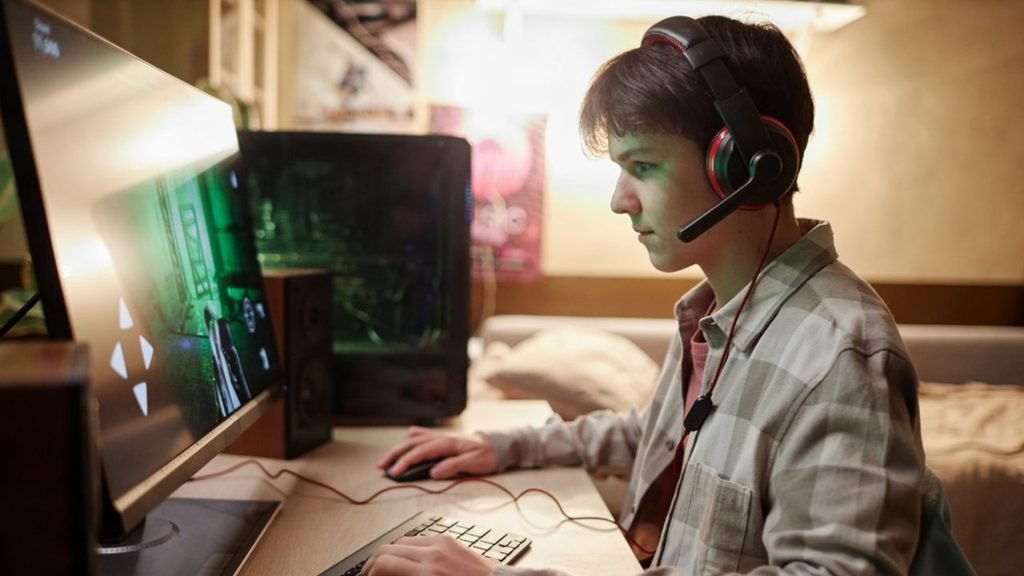
9. Make an Xbox One easy to access. Xbox One layouts benefit from front access for ports and discs, so avoid putting the console behind a monitor, inside an overfilled cabinet, or at the back of a deep shelf. A low open shelf keeps the setup practical without a lot of visual bulk.
10. Tame the cable vines. Attach a power strip beneath the desk, run the cables along the rear edge, bundle only cables that travel together, and label anything that may need to be unplugged later. Leave enough slack for cleaning and equipment movement, not a tightly-knotted knot that is impossible to service.
11. Finish with comfort and a realistic upgrade path. Add layered lighting, choose a supportive chair that fits the desk height, and leave a small amount of space for the next likely upgrade. A setup that works today but cannot accommodate a second controller, larger display, or replacement PC will feel cramped again surprisingly quickly.
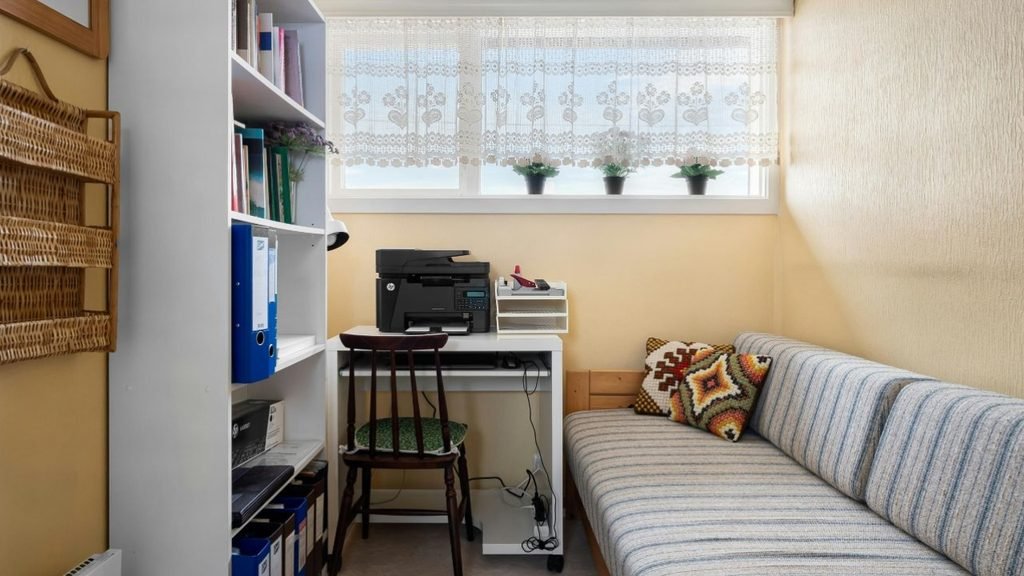
Choose the layout around your device
The best gaming setup in a room often begins with the equipment that will stay there most often. A compact PC desk needs clear legroom and thoughtful airflow, while a console setup may work better with a wall-mounted screen and a low shelf. Planning around the device avoids the common mistake of buying attractive furniture first and finding that the hardware has nowhere sensible to go.
| Device | Space-saving layout | Practical tip |
| PC | 100–120 cm desk with one monitor on an arm | Keep the tower ventilated beside or beneath the desk and protect legroom. |
| PS4 | Wall-mounted TV with an open shelf below | Keep the console, controller, and games easy to reach without filling the shelf. |
| PS5 | Wall-mounted screen with a deeper open shelf | Allow more breathing room than a slim console and avoid a tight enclosed cubby. |
| Xbox One | Low open shelf facing the seating position | Keep front ports and the disc area accessible rather than blocked by furniture. |
For anyone searching small room gaming setup ps4, the useful takeaway is simple: the screen can go up while the console stays low and reachable. That arrangement preserves desk space for charging, snacks, or a laptop without turning the room into a wall of equipment.
For small room gaming setup xbox one planning, prioritize access over decoration. A slightly narrower open shelf is usually more useful than a deep cabinet that hides the console and makes every connection awkward.
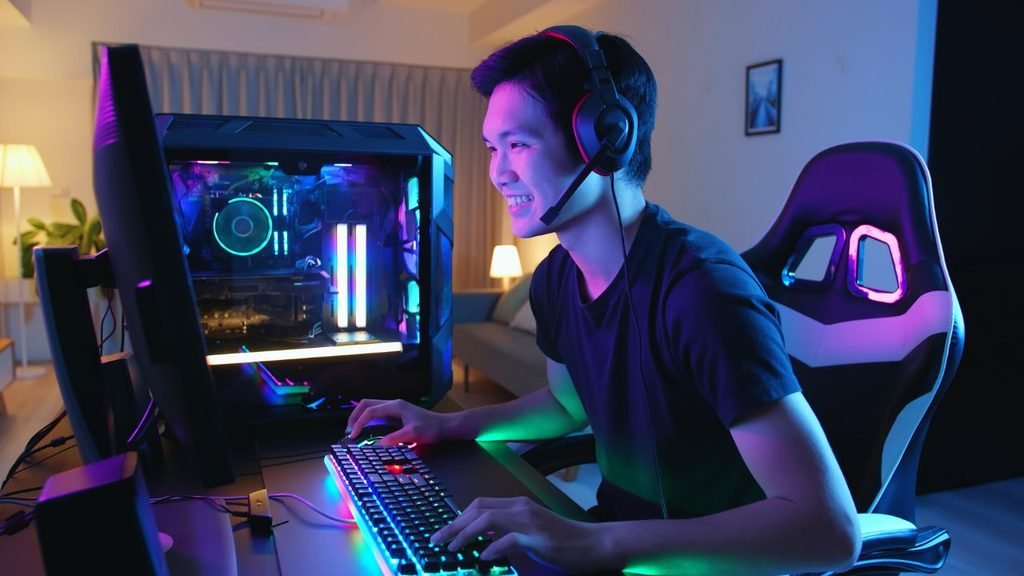
For PC gaming, compact does not mean squeezing the tower into the first empty gap. The most effective pc gaming setup ideas for small rooms preserve airflow, keep the mouse area clear, and use the wall for screens, headphones, and accessories whenever the wall and mount allow it.
Make the setup comfortable, not merely compact
A small desk can look brilliant in a photograph and feel miserable after an hour. Set the screen near eye level, keep the keyboard and mouse close enough that the shoulders can relax, and choose a chair that lets the feet rest flat. If the desk is fixed-height, adjust the chair first, and use a stable footrest if needed, rather than accepting a hunched posture.
Lighting should come in layers. Use general room lighting to keep the space not dark, add a soft light behind or beside the screen to reduce harsh contrast, and reserve RGB lighting for accents rather than the only source. A small lamp on a shelf can add atmosphere without taking the desk surface, while a dimmer or adjustable bulb makes the room easy to use for reading, browsing, and gaming.
Ventilation matters in a compact room because hardware should not be pressed against walls, curtains, or piles of clothing. Leave open space around consoles and PCs, keep the vents unobstructed, and make dusting part of the routine. These are simple habits, but they help protect the comfort and reliability of the whole setup without a technical overhaul.
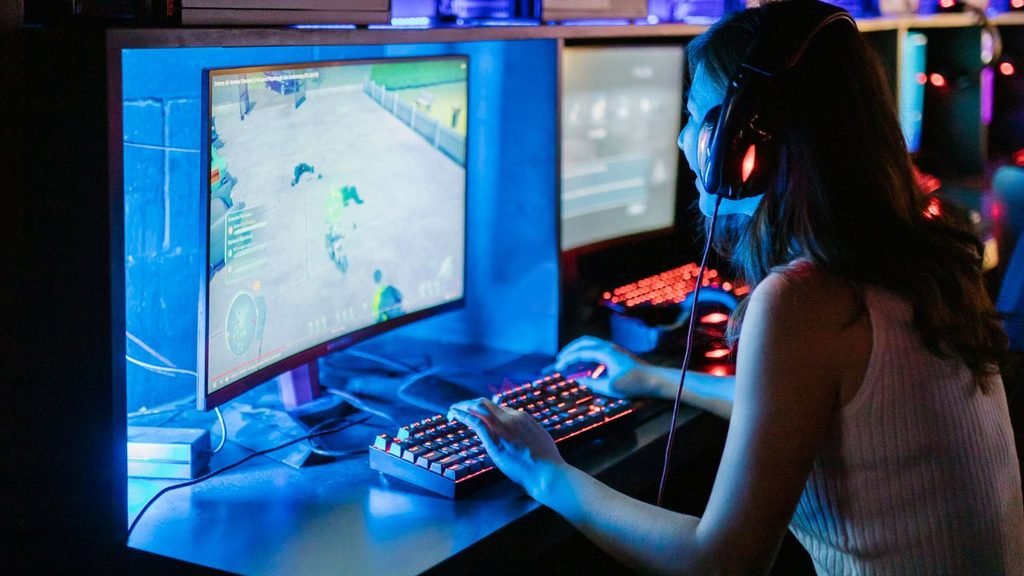
| Comfort check The chair can move without hitting the bed or door. The screen is comfortable to view without leaning forward. | Upgrade check There is a free outlet and cable route for future equipment. One shelf or drawer remains available for accessories. |
Think about the next upgrade before making the current purchase. If a second monitor is plausible, avoid a desk that leaves no arm space. If the console may move to a larger display, keep the wall and seating position flexible. A realistic upgrade path keeps room gaming setup ideas useful for longer and reduces the temptation to replace everything at once.
What small room gaming setup Reddit discussions get right
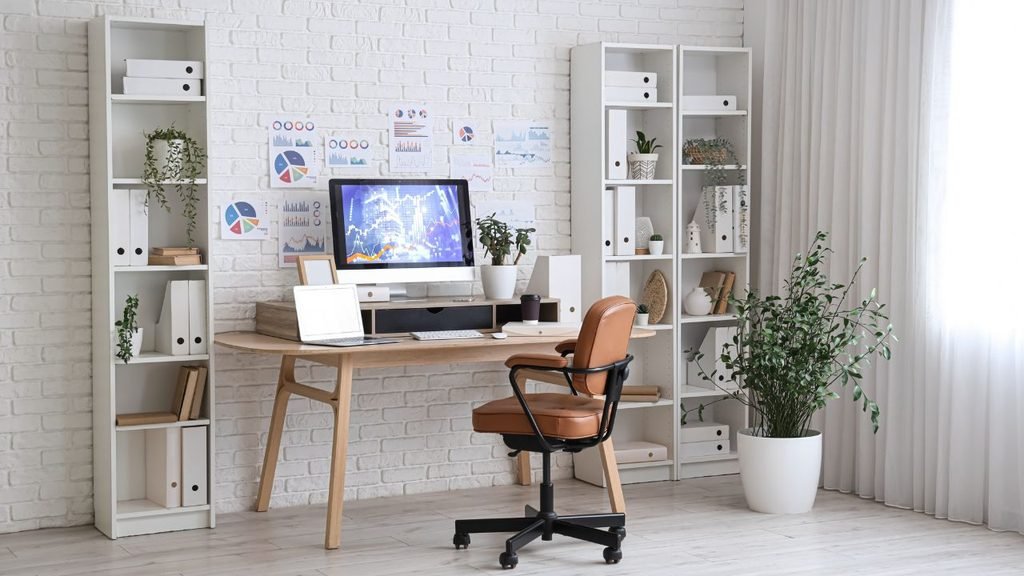
Recurring advice in small room gaming setup reddit discussions is often less glamorous than a shopping list, but more useful in daily life. The strongest ideas often start with the room itself rather than a specific brand, color, or accessory.
• Measure first. People consistently discover that a few centimeters can decide whether a desk fits beside the bed, whether a chair can roll back, or whether the door opens properly.
• Prioritize comfort. A clean photo is not the goal if the seating position causes sore shoulders or forces the screen too close. Good posture, viewing distance, and legroom deserve attention before decorative upgrades.
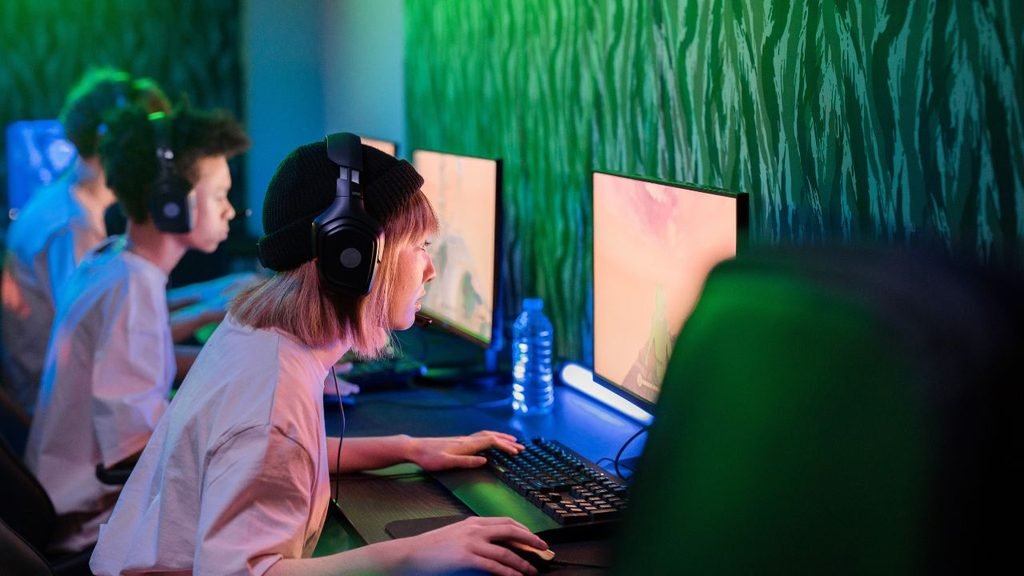
• Hide cables without trapping them. Cable clips, sleeves, and an underside power strip make the room look calmer, but every cable must be reachable when a device needs service or replacement.
• Use wall space carefully. Shelves, hooks, and mounted screens can recover floor area, provided they are securely installed and at useful heights. Vertical storage often creates more impact than adding another floor cabinet.
• Avoid oversized furniture. A huge desk may promise more surface area but can make the room feel smaller and leave no space to move. Compact furniture with a clear purpose typically creates a better long-term result.
These principles also apply to room setup ideas small bedroom gaming room searches and broader small room gaming setup ideas. The room does not need to imitate a showroom; it needs to support the way the space is used every day.
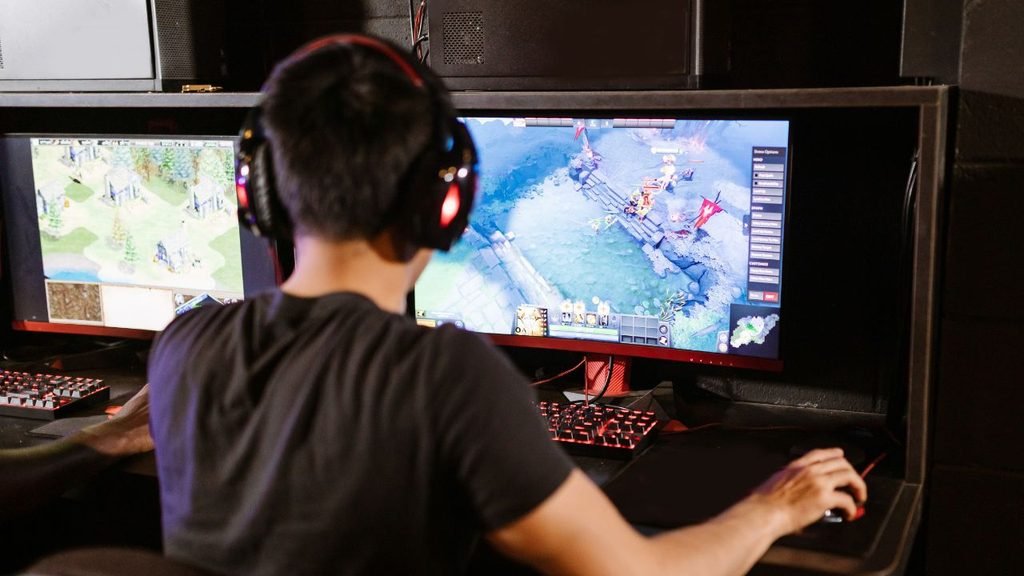
Frequently asked questions
How do I make a gaming setup in a small room?
Begin by measuring the usable wall, door swing, outlets, and chair clearance before buying furniture. Then choose a compact desk or wall-mounted screen, move storage up, control the cables, and protect an open walkway to make the setup feel intentional rather than squeezed in.
What are good PC gaming setup ideas for small rooms?
The best pc gaming setup ideas for small rooms typically combine a 100-120 cm desk, one monitor on an arm, vertical accessory storage, and a ventilated position for the tower. Keep the keyboard and mouse area clear, and use a small drawer or shelf so controllers and headphones do not take over the work surface.
What works for a small room gaming setup PS5 layout?
A wall-mounted screen paired with an open shelf can save valuable desk depth. Because a PS5 generally needs more breathing room than a slim console, leave clear space around it and avoid placing it in a tight, crowded compartment.
Can small room gaming setup ideas work with Xbox One?
Yes, a small room gaming setup xbox one arrangement can fit neatly on a low open shelf beneath a screen. Keep the front area accessible for ports and discs, route the cables behind the shelf, and leave enough room to remove or reconnect the console without moving the whole setup.